
How to export diagnostics data
Sharing your apps diagnostics data helps the development team better understand any issue you are having.
This guide will show you how to do so on iPhone/iPad and Mac.
No private information is included in the diagnostics data, feel free to review the file yourself :)
iPhone/iPad
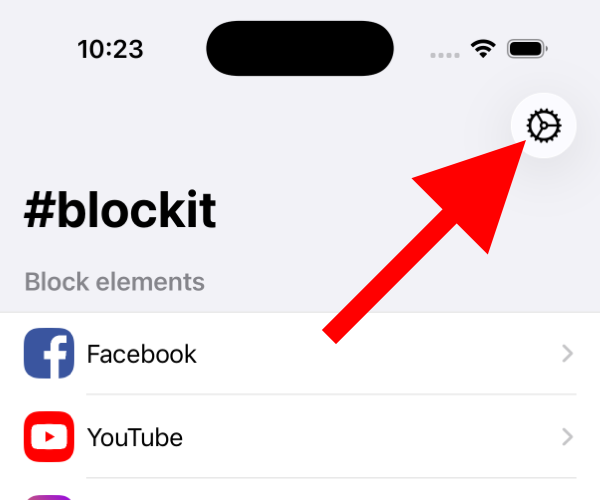
1. Open #blockit and tap the Settings cog
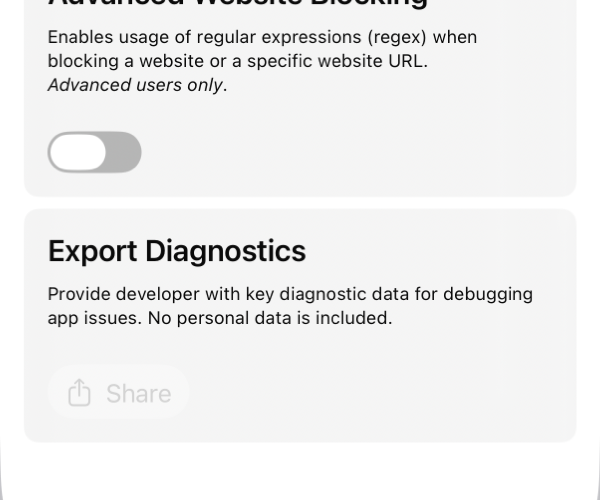
2. Scroll down and wait for the "Share" button to become enabled
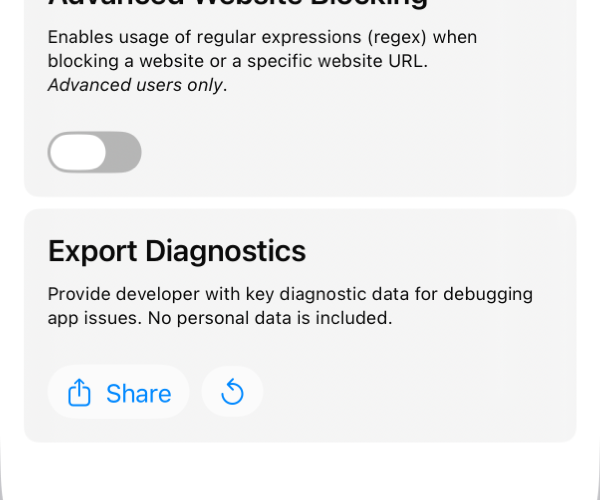
3. Tap "Share"
4. Using your app of choice, email the file to jordi@hashtagapps.dev
Mac
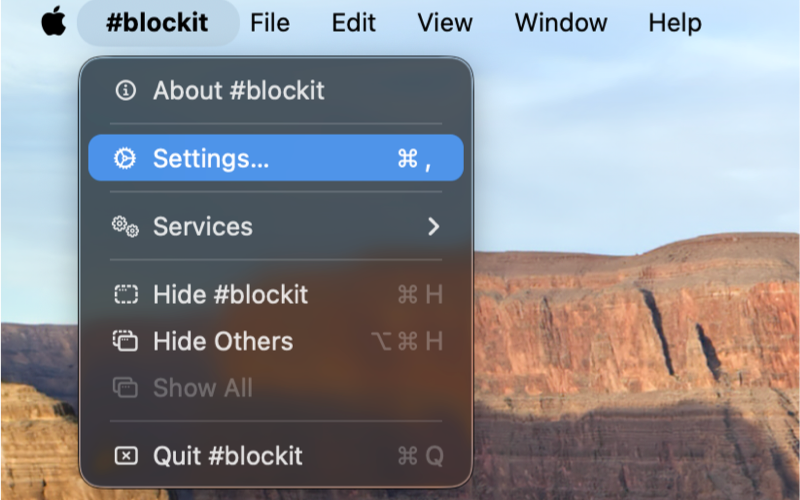
1. Open #blockit, and in the top menu bar select "blockit > Settings"
2. Wait for the "Share" button to become enabled
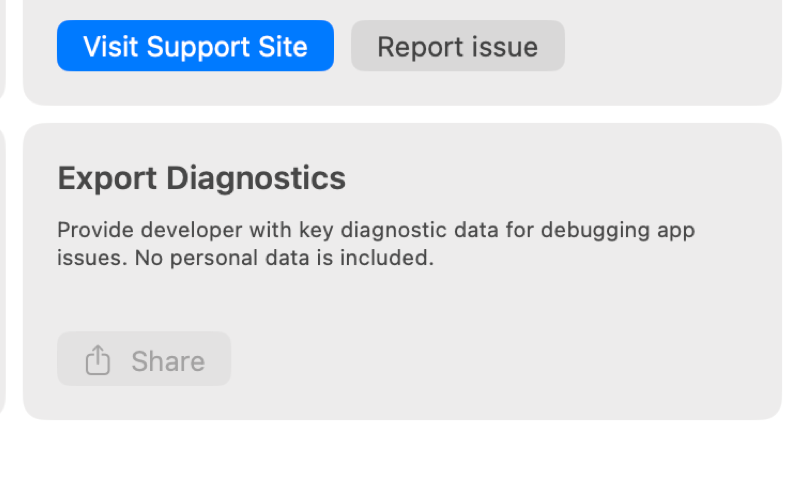
3. Click "Share"
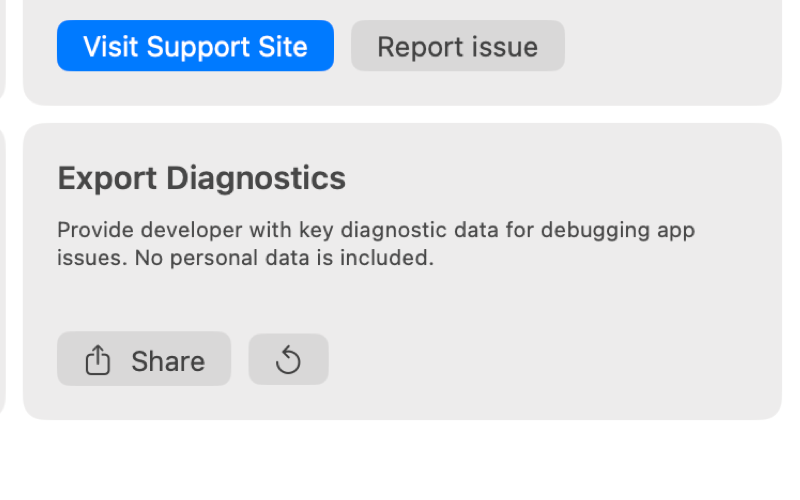
4. Using your app of choice, email the file to jordi@hashtagapps.dev